
Ecommerce ERP integration with a check of your workflows
We make visible how much manual work sits between shop and back office, before anyone builds an interface, and then connect the systems that are worthwhile.
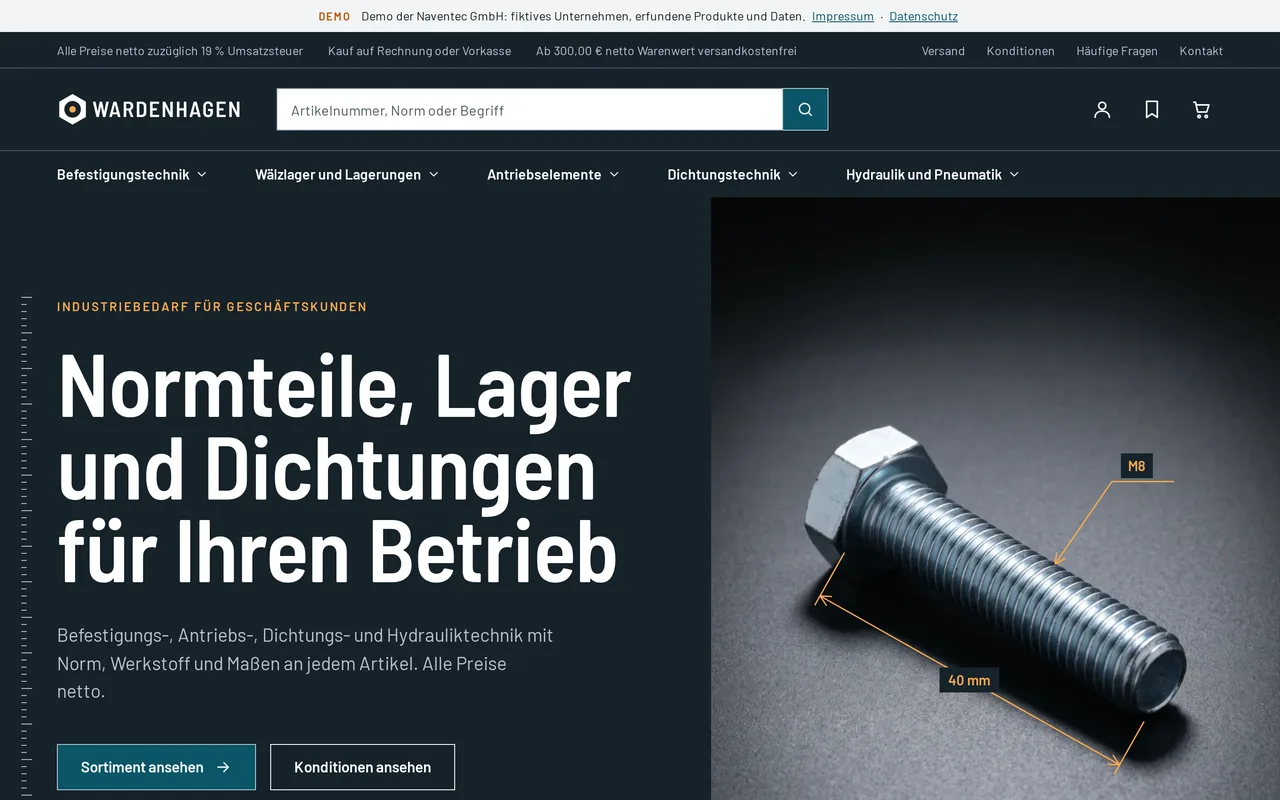
Wardenhagen, Shopware 6
Demo with sample data, not a client project.
Findings
We check these symptoms together with you, each with measurement method and source:
Manual steps between shop and back office
(order intake, stock synchronization, invoicing). Measurement method: Capturing the workflow with a count of the manual steps and the time spent per transaction; Source: Your information and spot checks.
Missing interfaces to ERP, inventory management, and marketplaces.
Measurement method: Inventory of the systems and the existing data paths between them; Source: Your system landscape.
Duplicate data maintenance.
Measurement method: Comparison of which data is maintained manually in several systems; Source: Spot check of the records.
Measurements in the Fashion Demo Store
| Master data | With price | With stock value | With GTIN |
|---|---|---|---|
| 278 sale items | 278 | 278 | 0 |
Sale items with price, stock value, and GTIN; all 306 product numbers unique; no system for stock, payment, or shipping connected. Verona (demo-mode.naventec.de), October 17, 2026, read-only via the Shopware 6.7 Admin API. Demo with sample data, not a client project.
Free Quick Check
The Quick Check is the first step, and it is free. It shows whether you have indications of manual workflows that are worth a closer look.
- Request. You submit the request and name the focus.
- Check. We check what can be identified without insight into your systems.
- Findings. You receive your findings as a PDF with a recommendation.
Integration Check
The Integration Check captures your workflows and systems and shows which connections are worthwhile and in what order. The result is a report. The quote is available on request.
Integration Check
Sample
Findings and recommended measures
| Checked | October 17, 2026, interfaces and data |
| Store | Fashion Demo Store, Shopware 6.7 |
| Measurement | read-only via the Admin API |
Findings
| Weighting | Finding | Evidence | Entry point |
|---|---|---|---|
| High | No warehouse or inventory system is connected | stock only via the data import | Measures 1 and 2 |
| Medium | Payment runs without a payment provider | Shopware standard payment methods | Measure 3, follow-up project |
| Medium | No product carries an EAN/GTIN or manufacturer number | master data of the 306 products | Measure 4, Quick Fix |
Excerpt from the findings and recommended measures in the sample report. Fashion Demo Store, checked on October 17, 2026. Demo with sample data, not a client project.
Evidence
The sample Integration Check is a sample with sample data and not a client project. We present the demo chain ERPNext → Naventec Integration Hub → Shopware 6 in a call via screen sharing: data from the ERP arrives in the shop, orders from the shop arrive in the ERP. Demo with sample data, not a client project.
Integration and automation
Based on the check, we connect your systems through the Naventec Integration Hub, our own platform behind integration projects. Today the hub connects Shopware 6 and ERPNext: from the ERP to the shop, among other things, categories, products with variants, images, base price, and stock; from the shop to the ERP, orders; back to the shop, status, shipping with tracking number, and returns. We review other systems on request. Before we quote, there is a paid requirements workshop (half a day), which we credit toward the project; if you have already commissioned the Integration Check, it replaces the workshop. Quote on request.
NIH Connector
The ongoing connection of your systems through the hub is the NIH Connector: a separate service alongside the Managed Service, billed monthly per connection and with a defined scope. The hub raises an alert on errors, and we handle disruptions as quickly as possible. The Managed Service looks after shop and website. Quote on request.
Method
- Capture workflows: Who performs which step, with which tool, and how often?
- Map systems: Record existing interfaces and data paths.
- Assess: Weigh benefit and effort for each connection.
- Specify: Describe data flow and error handling before anything is built.
Frequently asked questions
Which systems can you integrate?
Through the hub, we connect Shopware 6 and ERPNext today. We review other systems in the Integration Check for your system landscape, without a commitment in advance.
Do I need a new ERP for this?
No. The check starts with what you use today.
What happens if a connection fails?
Error handling is part of the specification. We define with you in advance what should happen in case of a failure. The hub records every transfer with its result and raises an alert when something does not go through.
Where is the best place to start?
With the Quick Check or directly with the Integration Check. You receive a recommendation with the findings.
Further reading
Main article:
Platform:
Related topic:
New shops:
Decision support:
All articles:
All work samples:
Let’s talk about your project
A call takes 30 minutes via Microsoft Teams: choose a free time, and the invitation arrives by email.
Choose a time
Free Quick Check for findings first