
Shopware optimization after a System Check
If your Shopware 6 shop feels sluggish, errors keep recurring, or updates are left pending, we find the cause before anyone changes anything and bring the shop back to a stable state.
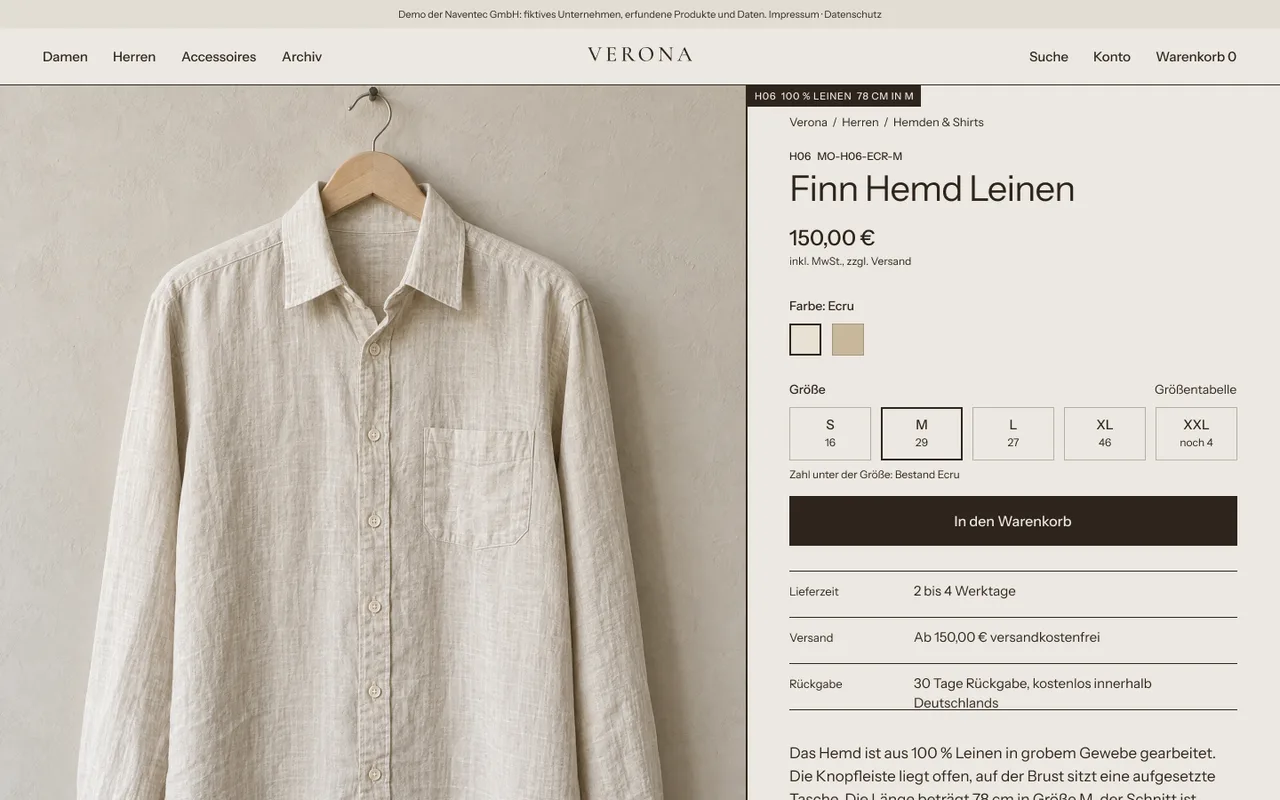
Verona, Shopware 6
Demo with sample data, not a client project.
Findings
We check these symptoms on your shop, each with measurement method and source:
Update status of Shopware and extensions.
Measurement method: Installed versions compared with the current vendor versions; Source: Shopware documentation and Shopware Store, with the retrieval date.
Configuration of cache and search.
Measurement method: Check of the settings against the recommendations in the documentation; Source: Shopware documentation.
Recurring entries in the error log.
Measurement method: Evaluation of the log over a defined period; Source: Logs of your shop.
Known vulnerabilities in extensions.
Measurement method: Comparison of the extensions with published security advisories; Source: Vendor notices.
Measurements in the Fashion Demo Store
| Operations | Open updates | Server errors | Queue |
|---|---|---|---|
| Installation of the demo store | 1 | 0 | 0 |
Shopware patch updates, responses with a server error (5xx) in about 30 hours, messages in the queue. Verona (demo-mode.naventec.de), October 17, 2026, read-only measurement run with the Shopware console and curl 8.14.1. Demo with sample data, not a client project.
Free Quick Check
The Quick Check is the first step, and it is free. It shows whether and where there is a need for action in your shop.
- Request. You submit the request and name the focus.
- Check. We check your shop.
- Findings. You receive your findings as a PDF with a recommendation.
Shopware System Check and Quick Fix
The System Check looks deeper into your shop than the Quick Check. The Quick Fix fixes what can be fixed quickly and with clear benefit. The result is a report with the findings and the actions carried out. The quote is available on request; we discuss the scope in a call.
System Check
Sample
Findings and recommended measures
| Checked | October 17, 2026, installation and Mode channel |
| Store | Fashion Demo Store, Shopware 6.7 |
| Measurement | read-only measurement run; curl 8.14.1 |
Findings
| Weighting | Finding | Evidence | Entry point |
|---|---|---|---|
| High | Emails to recipients outside the server are not delivered | 5 delivery attempts deferred in 7 days | Measure 1, Quick Fix |
| Medium | 1 Shopware patch update is open | no security advisory for the installed version | Measure 2, Quick Fix |
| Low | The storefront sends no Content-Security-Policy | security headers of the storefront | Measure 6, follow-up project |
Excerpt from the findings and recommended measures in the sample report. Fashion Demo Store, checked on October 17, 2026. Demo with sample data, not a client project.
Evidence and demo
We show a sample System Check with a Quick Fix report in the demo store. This is a demo with sample data, not a client project.
Shopware optimization and development
If the findings point to larger work, we optimize and extend your shop beyond the Quick Fix: catch up on updates, clean up extensions, and organize configuration and custom developments so that the shop stays maintainable. Concept, implementation, and quality assurance come from a single source. The Shopware 6 shop development page describes the development of new shops. Quote on request.
Managed Service
After the optimization, we continue to look after the shop in the Managed Service: hosting and security for a fixed monthly price, and everything else, such as updates of Shopware and plugins, as a service billed by effort. The Managed Service page describes the services. Quote on request.
Method
- Measure: Capture versions, configuration, and logs.
- Record findings: Document each symptom with measurement method and source.
- Prioritize: Order actions by benefit and effort.
- Fix and re-measure: Implement, then check again with the same method.
Frequently asked questions
How do I know whether performance, SEO, or conversion is my most urgent topic?
That is what the Quick Check is for. It shows where the findings are most pronounced. We describe the three topics on their own pages: Performance, SEO, and Conversion.
What happens to my shop during the System Check?
During the System Check we only analyze. We make changes to the shop only after agreeing with you.
Do I need to provide access to my shop for this?
The Quick Check measures what is visible from the outside. For the System Check, we coordinate access with you.
Do you also check third-party extensions?
Yes, we check the version status and known security advisories of the installed extensions and record that in the findings.
Further reading
Related topics:
All articles:
All work samples:
Let’s talk about your project
A call takes 30 minutes via Microsoft Teams: choose a free time, and the invitation arrives by email.
Choose a time
Free Quick Check for findings first