
Switch to Shopware 6 after a Migration Analysis
We provide the measurements for your decision for or against Shopware 6: what your current system is missing, what its maintenance costs, and which data comes along.
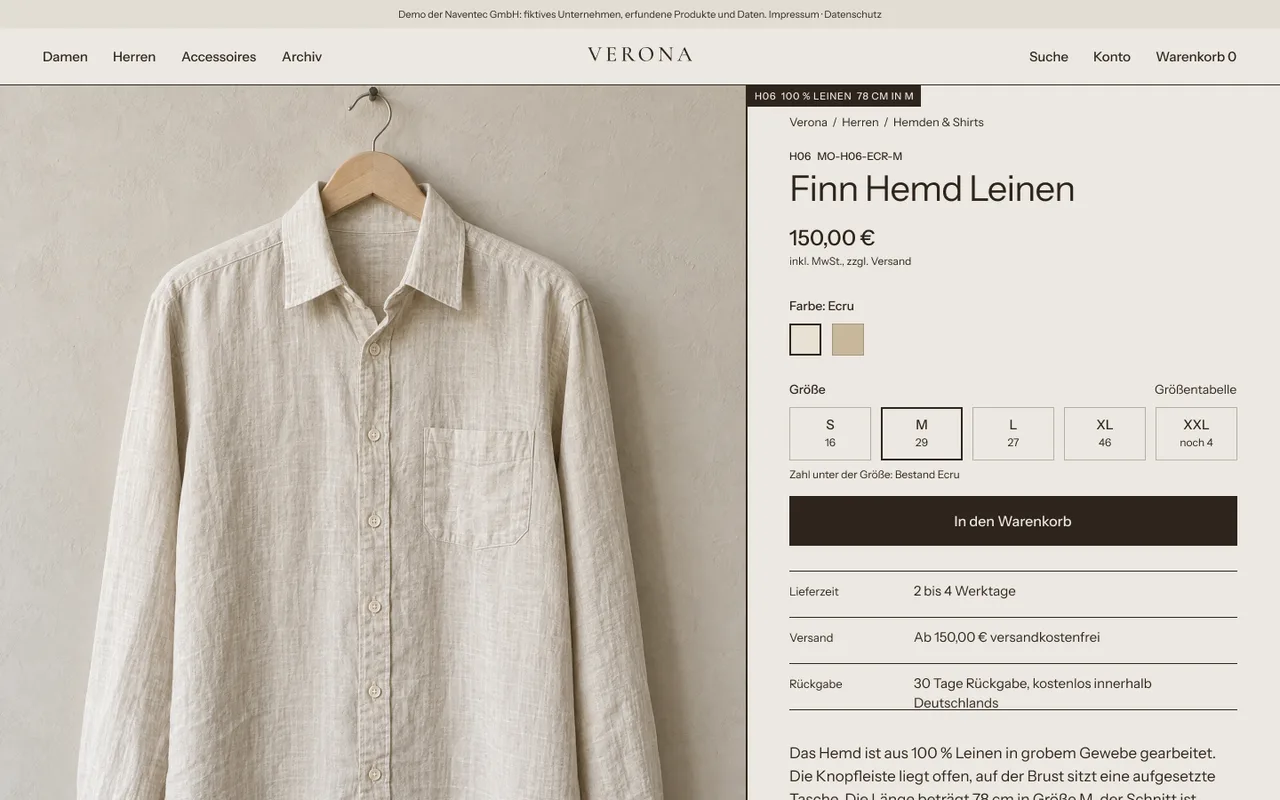
Verona, Shopware 6
Demo with sample data, not a client project.
Findings
We check these symptoms on your current shop, each with measurement method and source:
Feature gaps of the current system.
Measurement method: Comparison of your requirements with the feature set of the system; Source: Your requirements list and the vendor documentation.
Maintenance effort and update status.
Measurement method: Version status of the system and extensions compared with the current vendor version, only with a measurement and a date; Source: Vendor information.
Scope and quality of the data to be carried over.
Measurement method: Count and spot check of products, categories, customers, and orders; Source: Your shop itself.
Measurements in the trial move
| Import | Records | Failed | Deviations |
|---|---|---|---|
| WooCommerce → Shopware 6.7 | 417 | 0 | 222 |
Records in 5 runs, failed records, deviations in the field comparison across 2825 comparisons. Example legacy shop (WooCommerce 11.2.1, fictitious) and test instance with Shopware 6.7, October 17, 2026, Shopware Import/Export. Demo with sample data, not a client project.
Free Quick Check
The Quick Check is the first step, and it is free. It shows whether and where your current system holds you back. To do this, we first ask about your system: Does your shop run on WooCommerce, on Magento, or on something else?
- Request. You submit the request and name your current shop system.
- Check. We check your shop.
- Findings. You receive your findings as a PDF with a recommendation.
Migration Analysis
The Migration Analysis answers whether the switch to Shopware 6 pays off for you and what it would look like. We look at features, data, customizations, and interfaces and summarize the result in a report. The quote is available on request; we discuss the scope in a call.
Migration Analysis
Sample
Findings and recommended measures
| Checked | October 17, 2026, product data of the legacy shop |
| Store | WooCommerce 11.2.1 → Shopware 6.7 |
| Measurement | Import/Export, 5 runs, field comparison |
Findings
| Weighting | Finding | Evidence | Entry point |
|---|---|---|---|
| High | If one image is missing, the whole product record fails | error case in the trial move | Measures 1 and 2, Quick Fix |
| Medium | Customer accounts cannot be moved with their passwords | password method of WordPress | Measure 3, follow-up project |
| Medium | The old product and category URLs are missing from the export | redirect list needed | Measure 6, follow-up project |
Excerpt from the findings and recommended measures in the sample report. Example legacy shop and test instance, checked on October 17, 2026. Demo with sample data, not a client project.
Evidence and demo
We show the data migration using an example: the existing data of a WooCommerce shop is carried over into a disposable Shopware 6 instance; the Fashion Demo Store shows the target state of the same range. This is a demo with sample data, not a client project.
Shopware 6 relaunch and migration
Based on the analysis, we build your shop on Shopware 6 and carry over your data, with standard features before custom builds and tests before go-live. Concept, implementation, and quality assurance come from a single source. The Shopware 6 shop development page describes the shop development packages. Before we quote, there is a paid requirements workshop (half a day), which we credit toward the project; if you have already commissioned the Migration Analysis, it replaces the workshop. Quote on request.
Managed Service
After go-live, we continue to look after the shop in the Managed Service: hosting and security for a fixed monthly price, and everything else, such as updates of Shopware and plugins, as a service billed by effort. The Managed Service page describes the services. Quote on request.
Method
- Document the current state: Capture features, data, extensions, and interfaces.
- Compare: Place requirements and Shopware 6 side by side.
- Decide: Assess effort, risks, and benefit before anything is built.
- Move and check: Carry over data and check the result against the existing data.
Frequently asked questions
When does a switch pay off?
When the current system no longer supports your requirements or its maintenance costs more than it is worth. The findings show whether that is the case for you.
Which data can be carried over?
Products, categories, customers, and orders are the usual candidates. We record what can be carried over in your case in the Migration Analysis.
Which systems can I switch from?
We show the move using the existing data of a WooCommerce shop. The Quick Check asks which system you run today, and we tell you openly what we can derive from that.
How long does a switch take?
That depends on the findings and is stated in the plan of the Migration Analysis. We do not make blanket promises.
What does the switch cost?
We do not list prices on the website. You will receive a quote after the conversation.
Further reading
Main article:
For shops on Shopware 5:
Shopware 5 after the end of support and the path to Shopware 6 (in German)
All work samples:
All articles:
Let’s talk about your project
A call takes 30 minutes via Microsoft Teams: choose a free time, and the invitation arrives by email.
Choose a time
Free Quick Check for findings first